
Here's How AI Can Perform A Photo Quality Edit
This mini-course demonstrates how to perform a color palette change on a photograph using GPT-5, Flux.1 Kontext, and Midjourney with Photoshop-like quality.

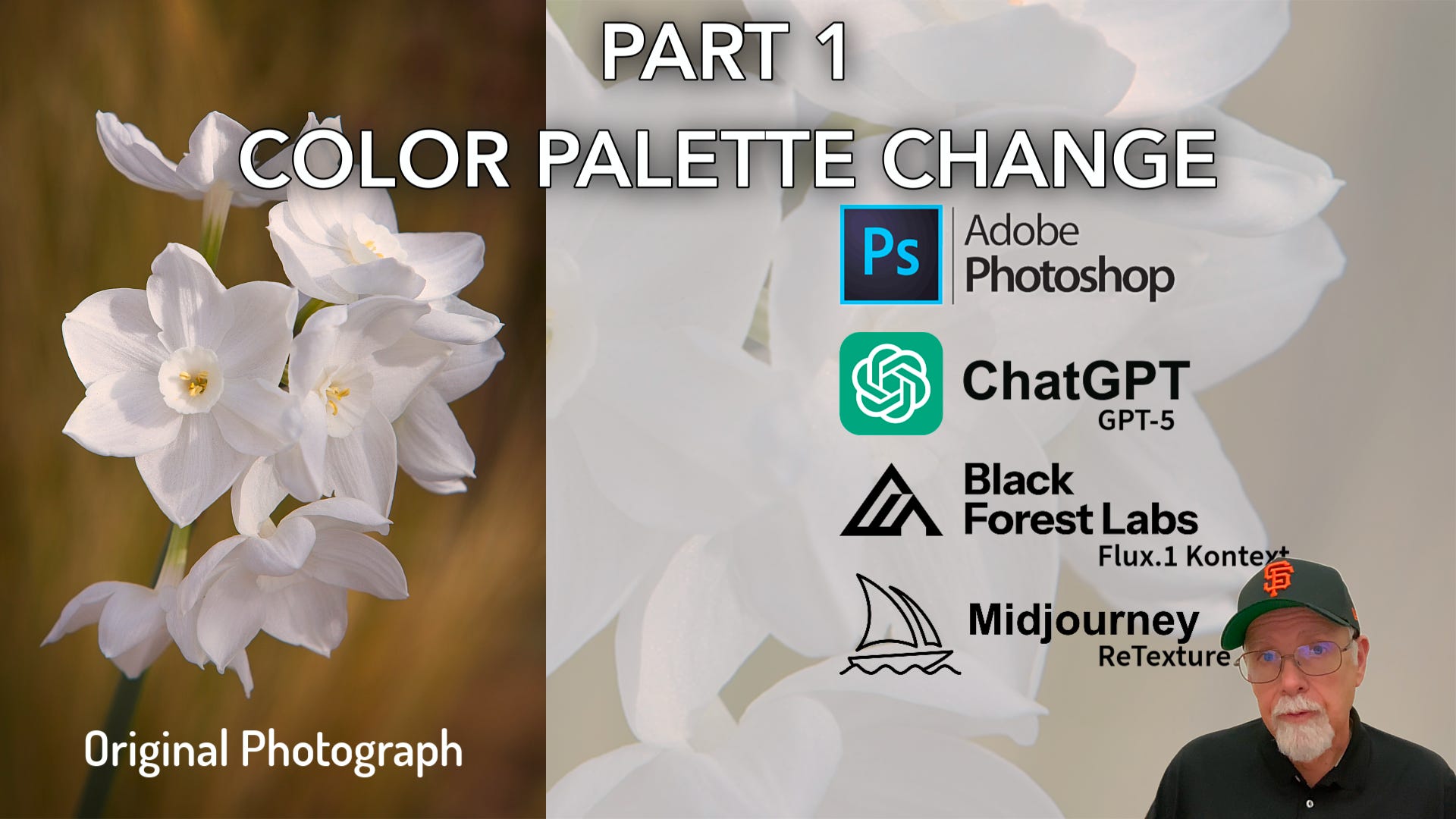
For photographers, AI tools are not just about generating fanciful or semi-realistic pictures anymore; they’re about extending what you can already create with a camera. Whether you want to adjust a color palette without losing realism, perform more advanced edits, reimagine a scene as digital art, or compare approaches before committing to a workflow, it helps to know what each platform does best and which are up to the task at hand. For example:
If you value accuracy and control, some models deliver surprisingly accurate results, behaving more like editing assistants, even to the point of correctly interpreting photographic terms.
If you prefer expressive reinterpretations, others push your work into painterly or abstract territory while retaining the ability to maintain the basic structure and composition of the original photograph.
If you want both, combining platforms might give you the most flexibility.
In this first of several articles that include a mini-course on the subject of AI-based photo editing, we provide a direct comparison of these three major AI imaging platforms to the same edit in Photoshop. And, we answer the question: Can AI perform a photo quality edit compared to Photoshop? Hint: The answer is yes, if you know how (and it’s easy).
ChatGPT: GPT-5
Black Forest Labs: Flux.1 Kontext
Midjourney: Retexture
Introduction Video
The video above is the introduction segment to the mini-course, outlined below. It explains what’s covered in the mini-course.
Included for paid subscribers
Mini-course video (15 min): A step by step how-to using GPT-5, Flux.1 Kontext, and Midjourney. Plus, followed by a comparison to Photoshop.
Comparison tables: Quick-reference charts highlighting strengths, limitations, and underlying technologies, all information specifically from a photographer’s perspective.
Supplemental Info PDF: Information on ChatGPT-5, Flux.1 Kontext, and Midjourney, links, free trial info, and pricing. It also includes information on sizing, platform similarities, differences, and where they overlap.
Final review & analysis: How these tools stack up when viewed through a photographer’s lens.
Get Full Access Today
If you’d like to access the mini-course including the 15-minute palette change video and everything outlined above, please consider upgrading your subscription. We have over 40 more mini-courses, guides, and tutorials on the way. If you are already a paid subscriber, thank you! Your mini-course is below.